
Insights from
the engineering desk.
Practical, jargon-free guides on networks, cybersecurity, AI and automation — the IT decisions that keep a business running, written by the engineers who do the work.

AI for Business, Explained in Plain Words
What generative AI and large language models actually do, what they are good and bad at, practical uses by department, how to start a pilot, the real risks, and a simple company AI policy.
Read the article
Claude AI for Business: What It Is and How to Use It Well
A practical guide to Claude, the AI assistant made by Anthropic: where to use it, how the model tiers differ, what it does well, real business use cases and how to keep company data safe.

ChatGPT at Work: Prompts That Work and Mistakes to Avoid
How to use ChatGPT productively at work: what it is good at, how to write prompts that get useful answers, where to be careful, and what business plans change.

AI Tokens Explained: What They Are and Why They Affect Your Bill
What AI tokens are, how text is split into them, input vs output tokens, how per-million-token pricing works, what a context window is, and practical ways to keep AI costs down.

Everything That Runs on AI: A Map of the AI Tools Your Business Already Meets
A practical map of AI-powered tools for business — chat assistants, office-suite AI, coding helpers, media generation, meeting notes, chatbots, security, CCTV analytics and AI agents — with what each does and what to watch out for.

Business Automation: Where to Start (and What Not to Automate)
Which business tasks are worth automating, the range of tools from built-in features to no-code platforms and custom bots, a step-by-step method, real examples and the pitfalls to avoid.
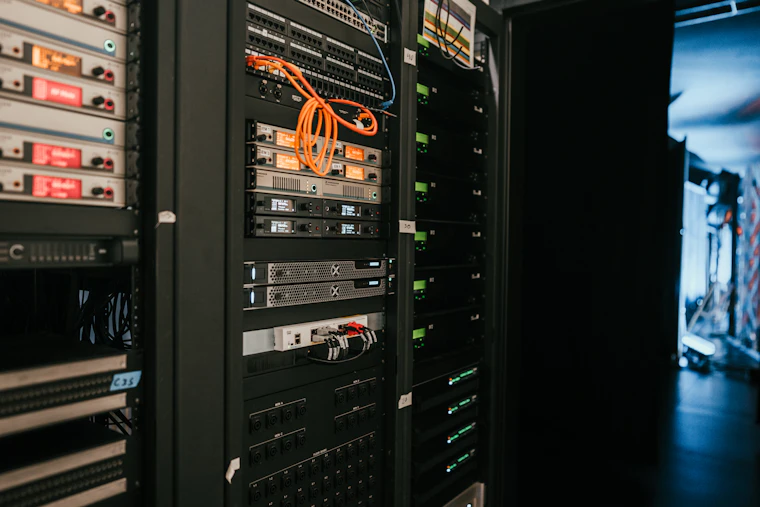
SQL Server Essentials for Business Owners and IT Staff
If your ERP, POS or accounting system runs on Microsoft SQL Server, here is what you need to know: editions, backups and recovery models, the transaction-log trap, performance basics, security and monitoring.
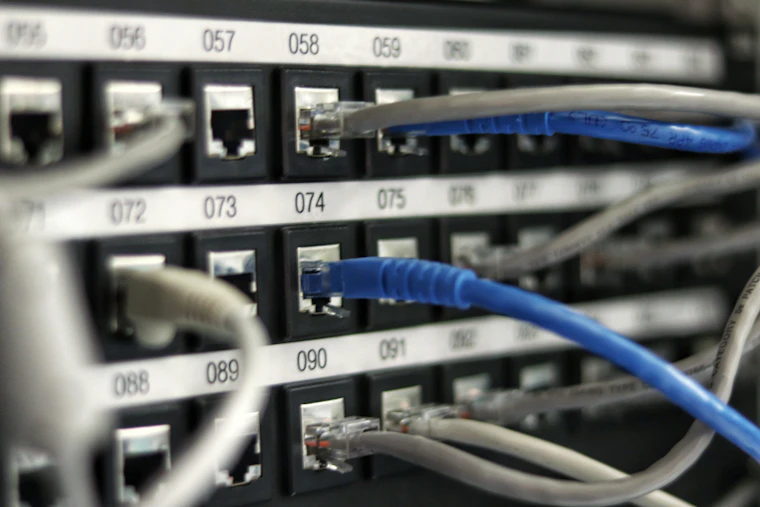
Troubleshooting Business Network Problems: A Step-by-Step Guide
How to diagnose the most common office network problems — no internet, slow network, drops, IP conflicts, DHCP and DNS failures, loops and bad cables — in a logical order, with the basic commands to use.
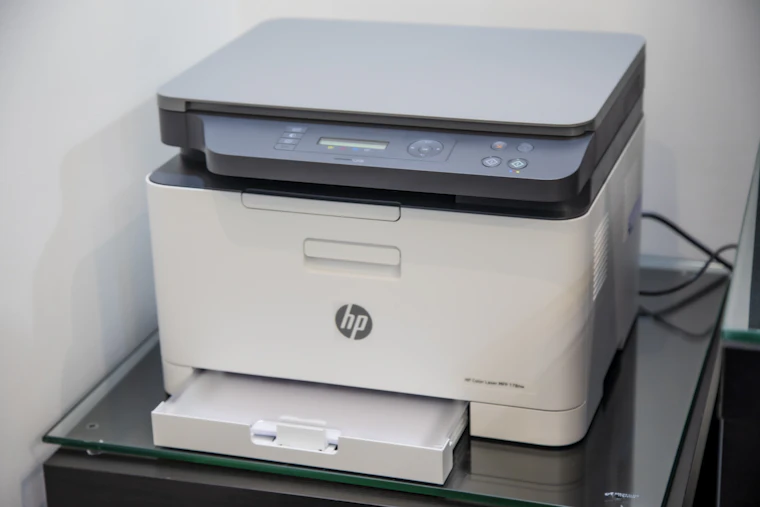
Common Office Printer Problems and How to Fix Them
Practical fixes for the most common office printer problems: offline printers, stuck print queues, driver issues, paper jams, poor print quality, slow printing, scan-to-email failures and Wi-Fi printers.

IT Basics Every Small Business Needs: A Practical Checklist
The essential IT foundations for small and medium businesses: inventory, updates, accounts and MFA, backups, firewall, UPS and power protection, documentation and a support plan.

Why Every Business Needs a Next-Generation Firewall
Your internet router is not a firewall. Here is what a next-generation firewall actually does, why small and mid-sized businesses are the main target today, and how to choose one.

The Ransomware Playbook: How Attacks Really Unfold — and How to Stop Them
Ransomware is rarely a single event. Follow a typical attack step by step, see where it can be stopped, and get a practical defence checklist for small and mid-sized businesses.
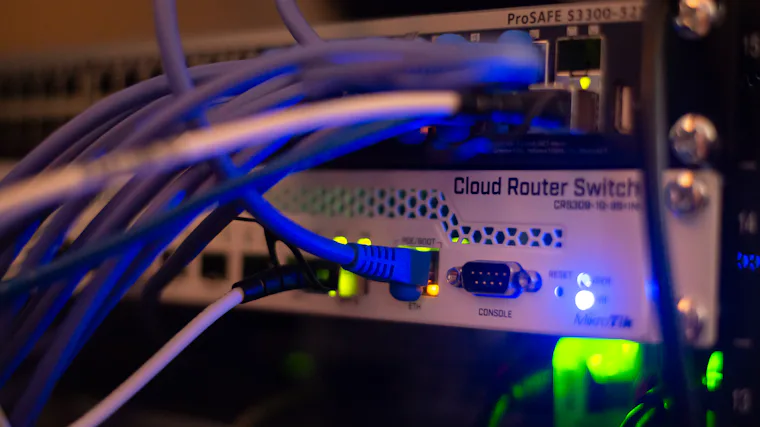
Network Segmentation with VLANs: The Cheapest Security Upgrade You're Not Using
Most business networks are flat — every device can reach every other. Learn how VLAN segmentation contains attacks, speeds up your network and simplifies troubleshooting.

Phishing and MFA: Building the Human Firewall
Phishing is still the number-one way attackers get in. Learn how modern phishing works, how to spot it, and why multi-factor authentication stops most account takeovers.
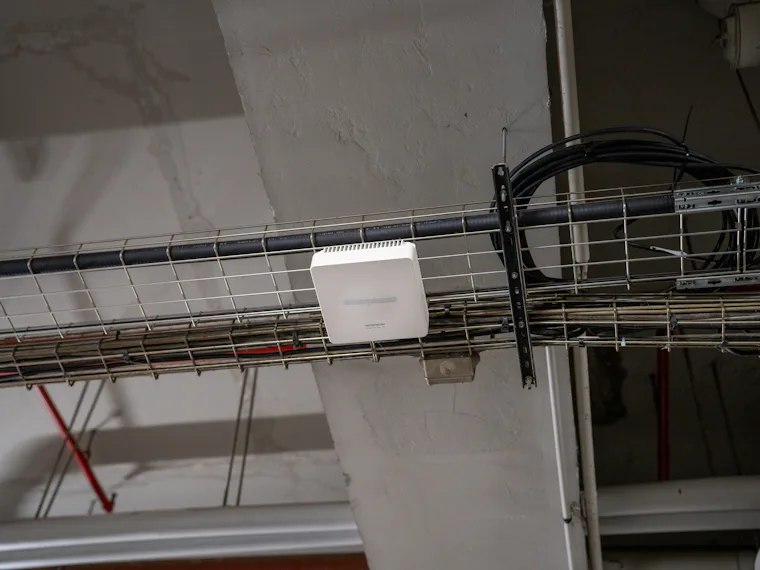
Business Wi-Fi Done Right: Coverage, Capacity and Security
Why home-style routers and extenders fail in offices, hotels and shops — and how to design business Wi-Fi with proper coverage, capacity, roaming and guest isolation.
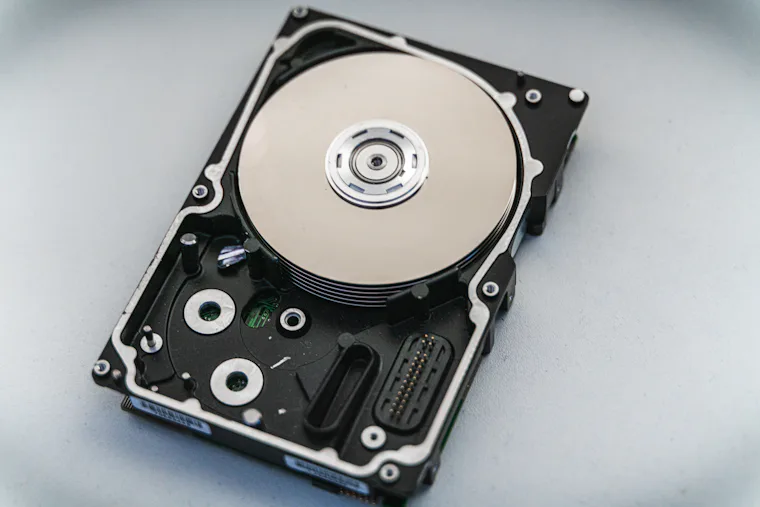
The 3-2-1 Backup Rule (and Why “We Have a Backup” Usually Isn't Enough)
What the 3-2-1 backup rule means, how ransomware changed it, the difference between backup and disaster recovery, and how to know your backups will actually restore.
Ask an engineer.
Send us your question about your network, security or backups — we're happy to point you in the right direction.