Key takeaways
- A flat network lets any compromised device reach every other device.
- VLANs split one physical network into separate logical networks — guests, staff, servers, cameras, POS.
- Traffic between VLANs passes through a firewall, where you decide exactly what is allowed.
- Most business switches and access points already support VLANs — it is often a configuration project, not a purchase.
The problem with flat networks
A flat network is one where everything shares the same address range — typically something like 192.168.1.x. It is the default because it is easy: plug a device in and it works. But "it works" also applies to attackers. When a laptop is infected by a malicious attachment, the malware immediately scans for other targets. On a flat network it finds them all: file servers, the NAS holding your backups, IP cameras with default passwords, printers with outdated firmware.
Ransomware groups rely on exactly this. The initial infection is rarely the server — it is a single user device. The damage comes from what that device can reach next.
What a VLAN actually is
A Virtual LAN (VLAN) lets you divide one physical set of switches and access points into several isolated networks. Devices in VLAN 10 cannot talk directly to devices in VLAN 20, even if they are plugged into the same switch. To get from one VLAN to another, traffic must go through a router or — better — a firewall, which applies rules.
Think of it as turning an open-plan office into separate rooms, each with a door that only opens for the right people.
A typical segmentation plan
| Zone | Who / what | Typical rule |
|---|---|---|
| Staff | Employee laptops & desktops | Internet, plus specific business apps on the server zone |
| Servers | File, ERP, database, domain controller | Accepts only the ports each app needs, from staff only |
| Guest Wi-Fi | Visitors, personal phones | Internet only — no access to anything internal |
| Cameras & IoT | CCTV, NVR, access control, smart TVs | No internet unless required; viewable only from a management device |
| POS / payments | Tills, card terminals | Only the payment and ERP destinations they need |
| Management | Switches, access points, firewall admin | Reachable only by IT |
Benefits beyond security
- Performance. Broadcast traffic stays inside each VLAN, so large networks feel faster and more stable.
- Troubleshooting. When something misbehaves, you immediately know which group of devices to look at.
- Compliance. Card-payment standards such as PCI DSS expect payment systems to be isolated from the rest of the network. Segmentation shrinks the scope of an audit.
- Quality of service. Voice and video VLANs can be prioritised so calls stay clear even when someone is downloading a large file.
What you need to make it work
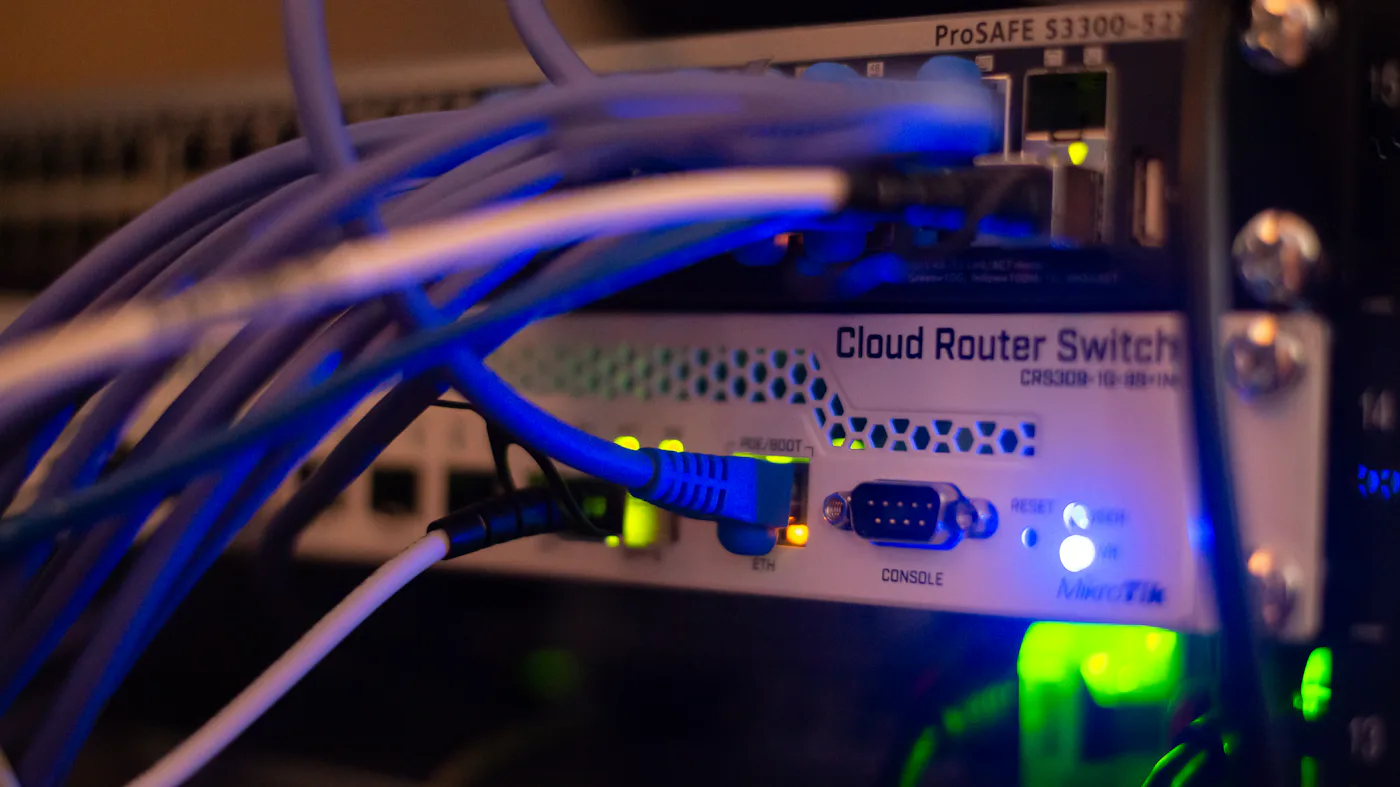
- Managed switches that support 802.1Q VLAN tagging. Unmanaged "plug and play" switches cannot do this.
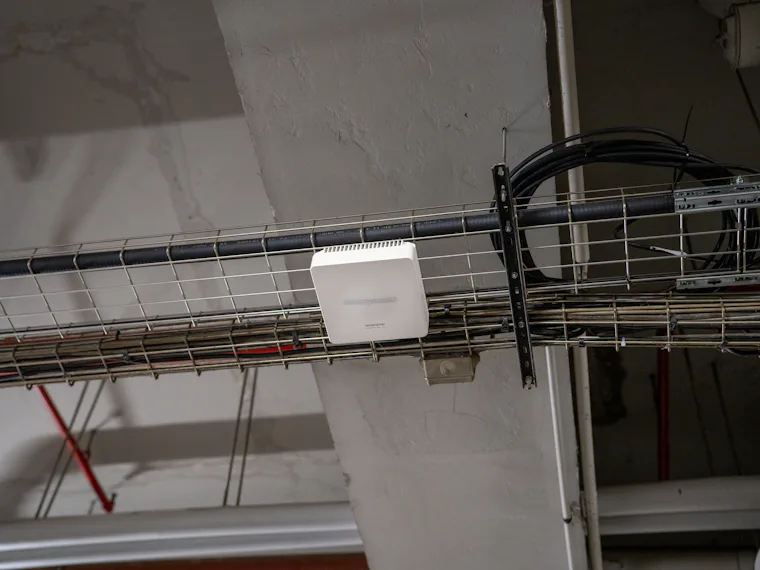
- Access points that can map different Wi-Fi names (SSIDs) to different VLANs.
- A firewall to route and filter between VLANs — ideally a next-generation firewall, so inter-zone traffic is also inspected.
- A plan and documentation. Which device belongs where, which ports are tagged, and which rules exist and why.
How we roll it out without downtime
Segmentation can be introduced gradually. We start by documenting every device and what it needs to reach, build the new VLANs alongside the existing network, and migrate one group at a time — usually after hours. Guest Wi-Fi and cameras typically move first because they need the least access. Servers and business applications follow once the firewall rules are proven.
The result is a network that is faster, easier to manage and dramatically harder to take down. If you'd like to know how flat your network is today, it is one of the first things we map in a free IT assessment.